Scheduling, without the back-and-forth.

Use polls to find a time that works for everyone, or share booking links so people can reserve a slot.
Polls + bookingsNo sign-up for participantsTimezone conversionOpen link or email-restricted
AWTTO features preview

Choose your flow

Pick the mode that matches how you schedule.

Scheduling Poll
Group coordination
Propose options and let participants vote on availability.
  • Great for meetings, parties, classes, and group trips
  • Yes/Maybe/No responses with optional notes
  • Best-slot hints and clear results
Appointment Booking
1:1 or capacity-based
Offer time slots so others can reserve an appointment.
  • Great for office hours, consultations, interviews, and shifts
  • Capacity per slot and booking rules
  • Manage bookings and keep everything organized

Scheduling polls

Get to a final time faster with visual availability and clear results.
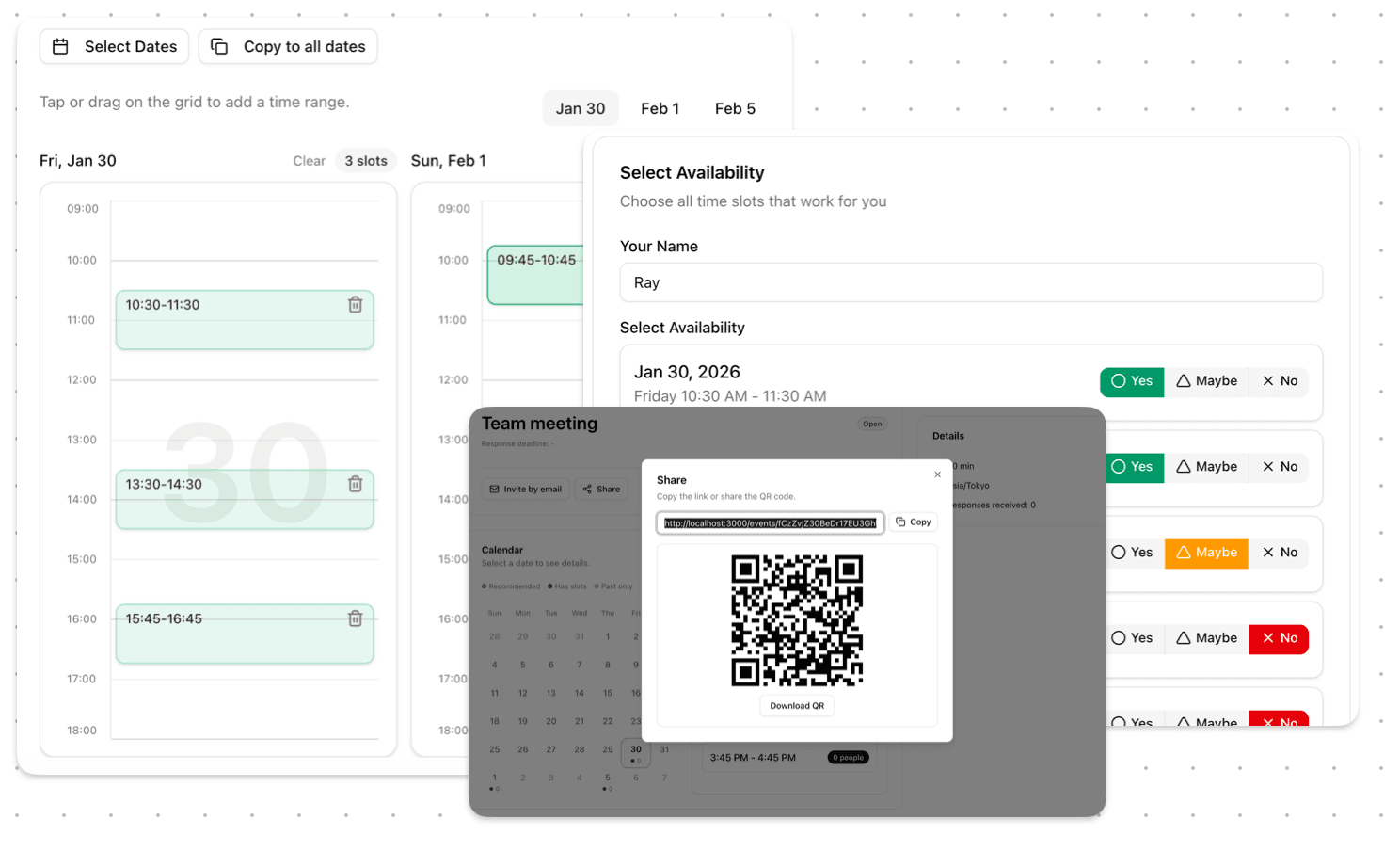
Create options fast
  • Pick dates and add time blocks visually
  • Flexible durations (including all-day)
Collect responses
  • Guests can respond without signing up
  • Yes/Maybe/No + optional notes
See what works
  • Recommended slots based on responses
  • Participant matrix (when you need details)
Control visibility
  • Allow or hide participant-to-participant visibility
  • Choose who can see notes
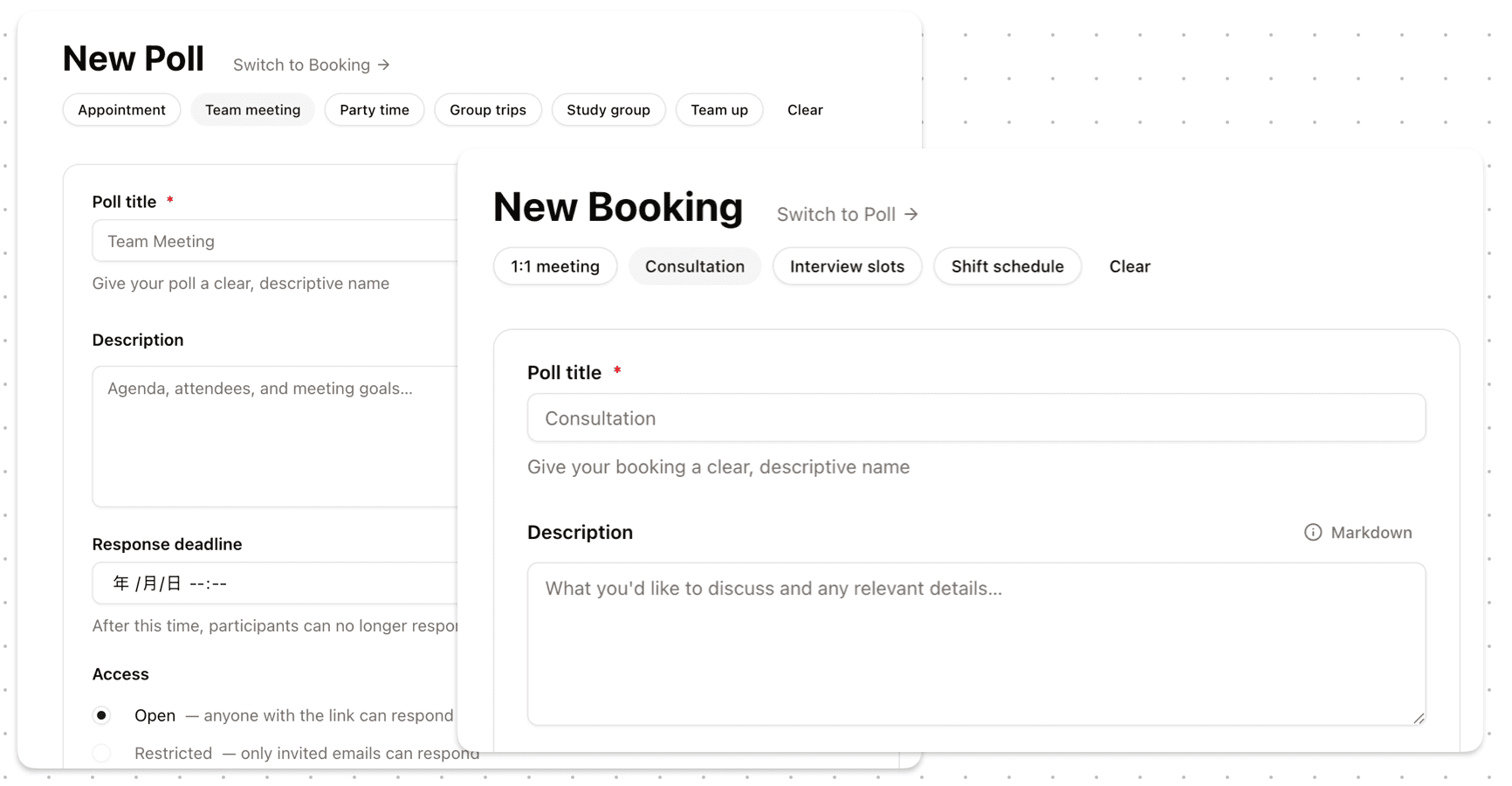
Scheduling poll screenshot
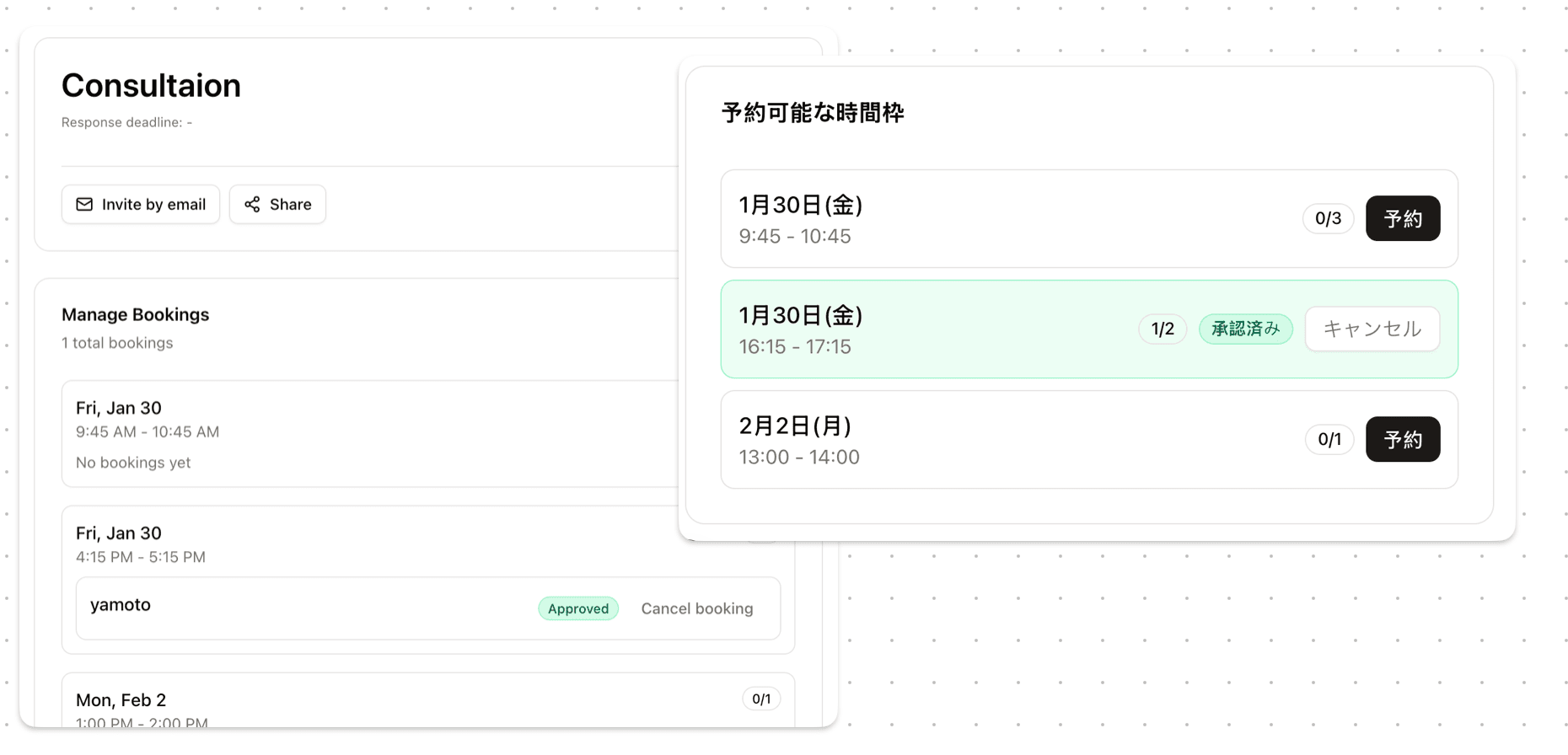
Booking page screenshot

Appointment booking

Share a link and let people reserve a slot—without manual back-and-forth.

Capacity and rules
  • Set capacity per time slot
  • Allow multiple bookings with a max limit
Avoid conflicts
  • Prevent overlapping bookings (optional)
  • Lock in a slot once booked
Manage bookings
  • Review and manage reservations
  • Track status changes clearly
Invite safely
  • Share by link or restrict by invited emails
  • Optional email OTP for restricted events

Privacy & access

Most event pages are meant to be shared by you—via a link or an invite.

  • Public marketing pages are indexable; event pages are not
  • Share only what you intend to share
  • Choose open links or email-restricted participation
Two access modes
Use the simplest option that fits your situation.
Open link

Anyone with the link can participate. Best for quick coordination.

Email-restricted

Limit participation to invited emails. Optional OTP verification.

Time planning details

Small details that prevent scheduling mistakes.

Visual slot planning

Create time options with clicks and drag-to-add blocks.

Response deadlines

Set a cutoff to keep decisions moving.

CSV export

Export participant responses when you need an offline view.

Guest-friendly participation

People can respond without creating an account.

Easy wrap-up

Cancel, archive, or let slots expire when you’re done.

Automatic timezone conversion

Participants see times in their own timezone.

FAQ

Answers to common questions before you start.

Do participants need an account?
No. Guests can vote or book directly from the link. Signing in is optional for organizers who want cross-device sync.
What’s the difference between open link and restricted?
Open link lets anyone with the URL participate. Restricted limits participation to invited emails and can require email OTP.
Can participants see each other’s responses?
For polls, organizers can allow or disable participant-to-participant visibility, depending on your needs.
How do timezones work?
Events have a base timezone for planning. Participants view times in their own timezone automatically.
Can I stop responses?
Yes. You can set a response deadline, or cancel/archive the event when you’re done.
Can I export responses?
Yes. You can export responses as CSV when you need to review offline.